The Update Next Payment Date feature allows merchants to adjust the upcoming billing date for an active subscription.
This is particularly useful for merchants in the insurance and financial services sectors, where policy issuance or activation may occur after the initial payment collection.
By updating the next payment date, merchants can align the recurring billing schedule with business events without cancelling or recreating the subscription.
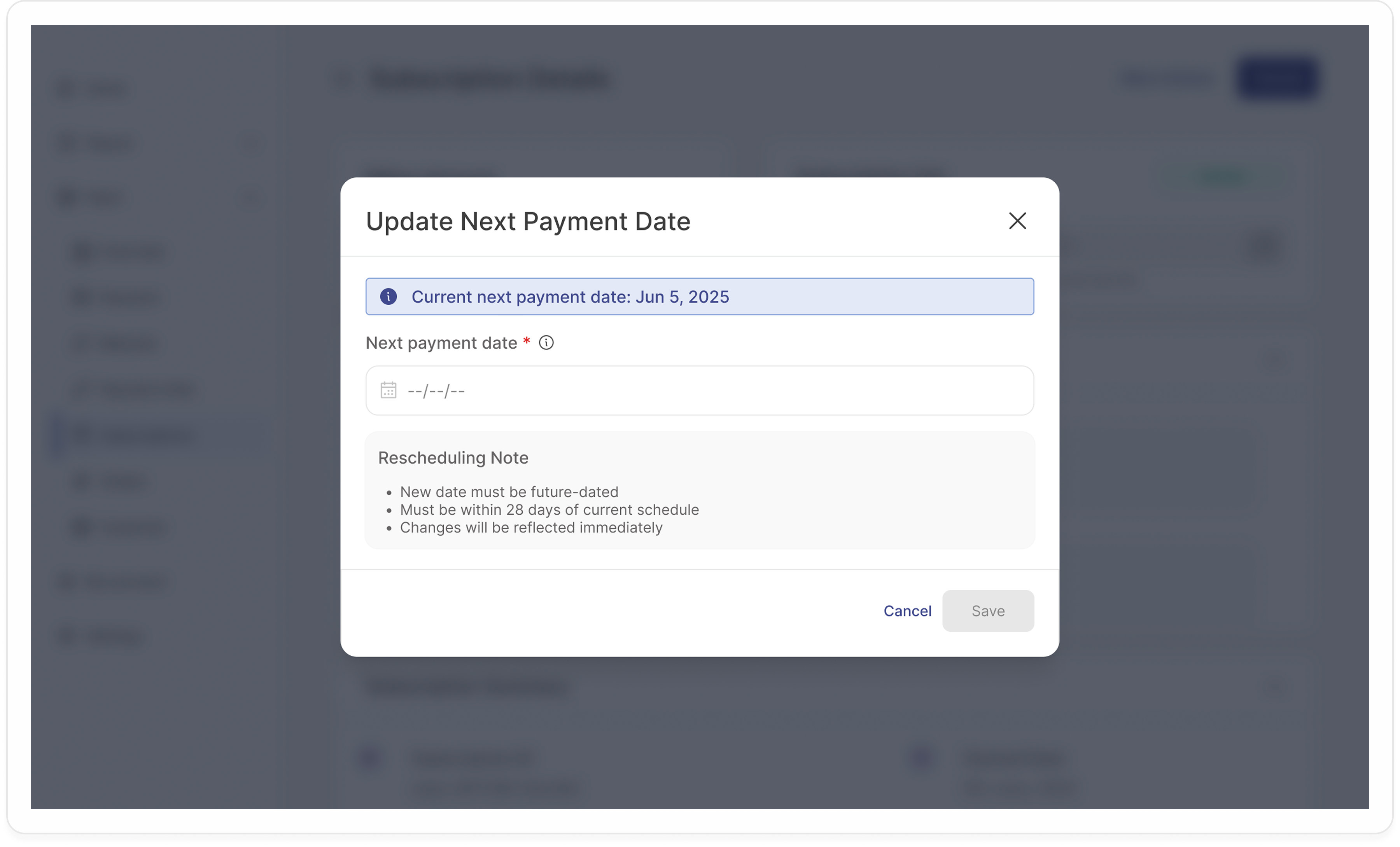
Use this feature when:
You’ve collected the first payment and want the next charge to align with the policy start or renewal date.
A customer has requested a short deferral of their next billing date.
You want to maintain consistent billing intervals while preserving the subscription lifecycle.
Avoid using this feature to:
Change subscription frequency (e.g., monthly → quarterly).
Modify the billing amount.
Retry a failed payment use the retry mechanism instead.
You can create a subscription directly from the Glomopay dashboard. Here's how:
Navigate to Subscriptions → Subscription Details.
Click “Update Next Payment Date” (visible only for active subscriptions)
A confirmation modal appears:
- Displays the current date.
- Allows selection of a new future date (within 28-day window)
Confirm the update.
Endpoint:
PATCH /subscriptions/{subscription_id}/next-payment-dateRequest Body:
{
"next_payment_date": "2025-11-10"
}