Glomo conducts a risk assessment on every eligible payment to protect you and your customers from financial crime. This check runs automatically at payment success — the moment the bank confirms the payment. Most payments clear automatically. If a payment is flagged, its settlement is placed on hold until the query is addressed — see Impact on settlement below.
When a check needs more information, Glomo raises a Request for Information (RFI) against the payment. The payment stays Successful — the RFI carries a separate compliance status that tells you whether any action is needed.
Your customer is not involved at any point. The review is entirely between you and Glomo, and your customer's payment experience is unchanged.
Each in-scope payment carries a compliance status alongside its payment status:
| Compliance status | What it means | What you need to do |
|---|---|---|
| Cleared | The check passed, or a previously flagged payment was approved after review. | Nothing. The payment settles in its normal cycle. |
| Action Required | The check flagged the payment, or a document you uploaded was not accepted. | Upload the requested document(s) before the response deadline. |
| Under Review | You have uploaded the requested document(s) and Glomo is reviewing them. | Nothing — wait for the review outcome. |
| Expired | No response was received within the response window. | Contact Glomo support if you believe this is in error. |
| Rejected | The review concluded the payment cannot proceed after documents were reviewed. | Contact Glomo support if you believe this is in error. |
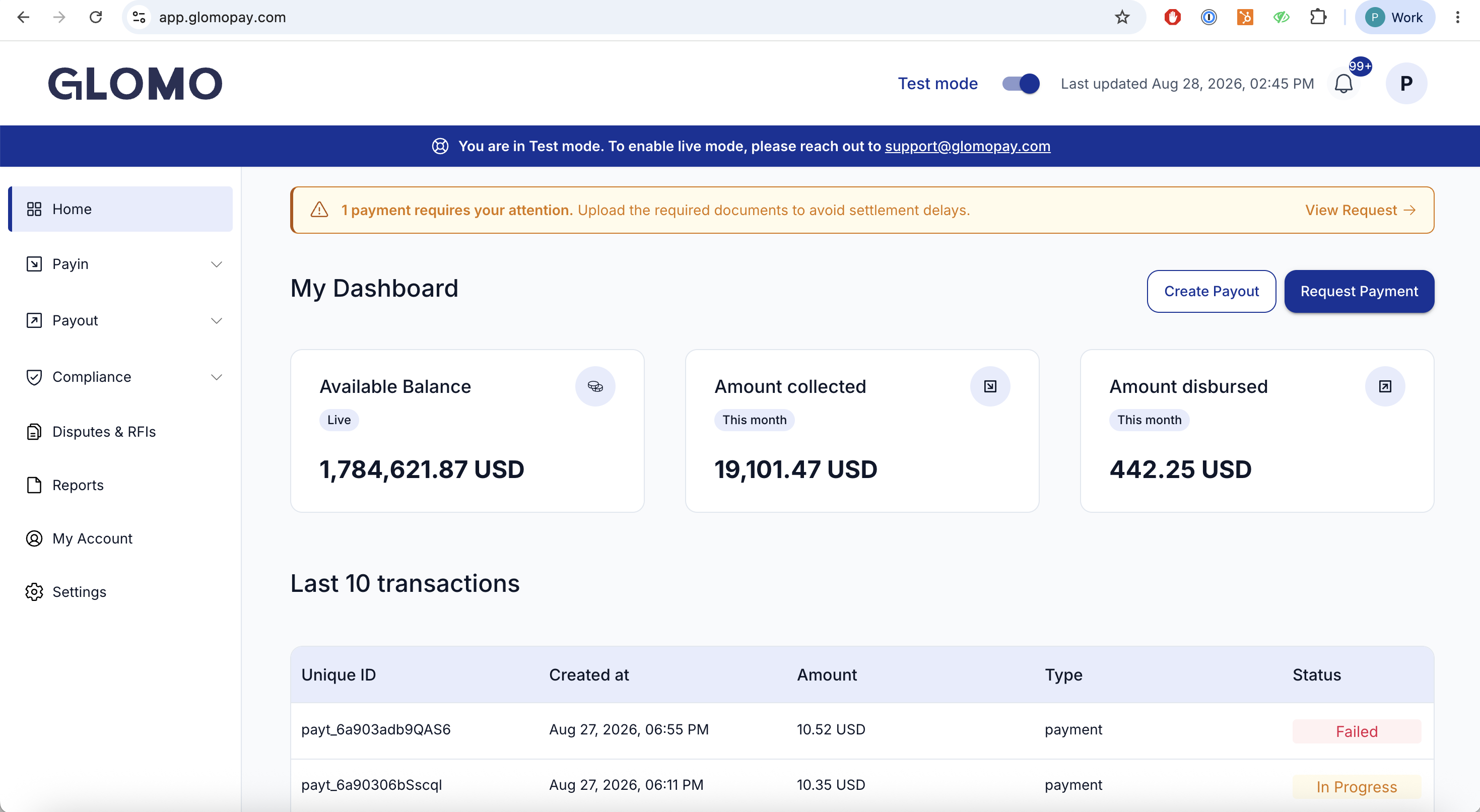
Pending compliance actions are surfaced in a banner on your dashboard home page, so you see them as soon as you log in.
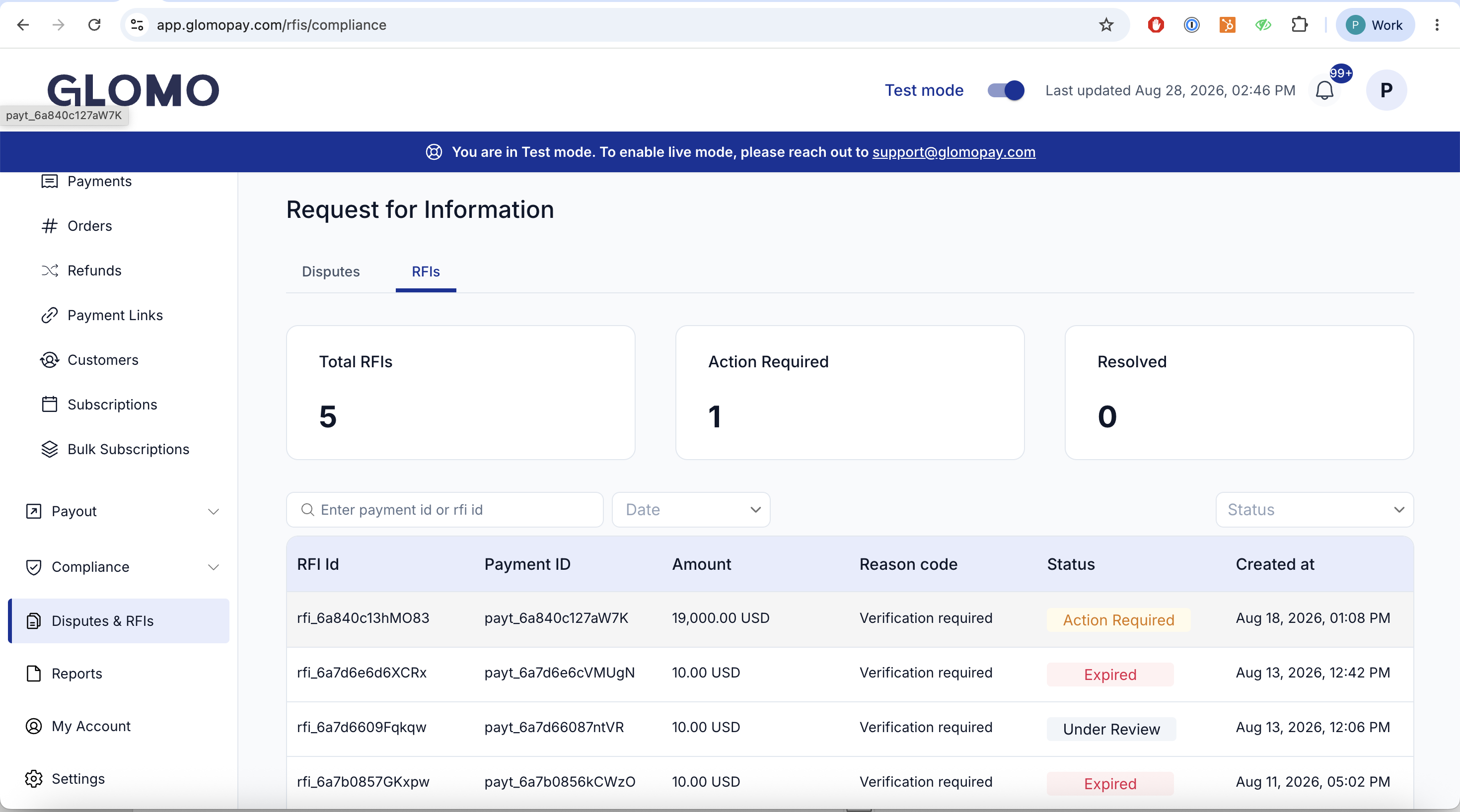
A flagged payment appears as a row in the RFIs tab of the Disputes & RFIs section of your dashboard. Each row shows:
| Field | Description |
|---|---|
| RFI ID | The unique identifier for the RFI |
| Payment ID | The payment the RFI relates to |
| Amount | Payment amount |
| Reason code | Why the RFI was raised, e.g. Verification required |
| Status | The compliance status (Action Required → Under Review → Cleared / Expired / Rejected) |
| Created at | When the RFI was raised |
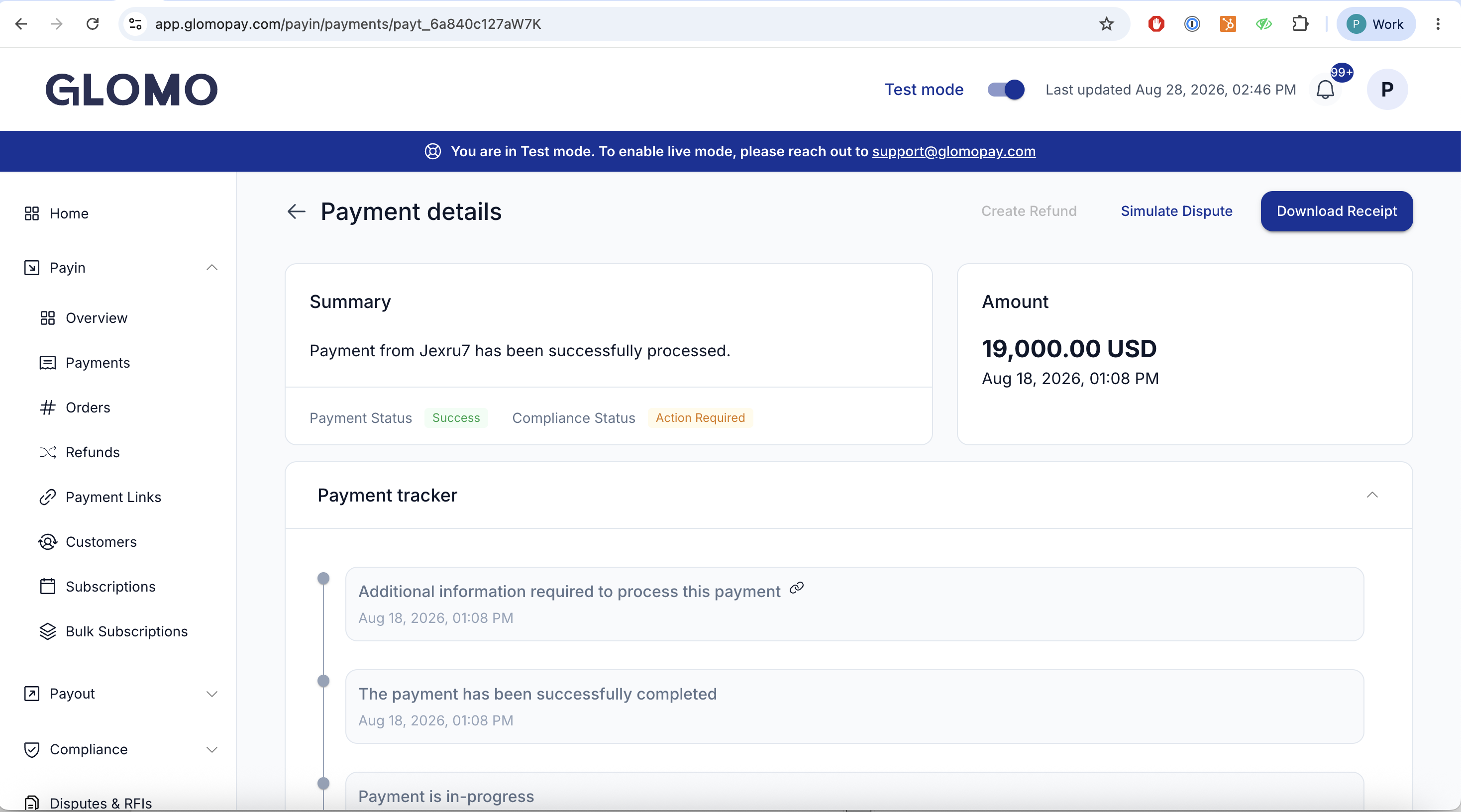
The payment tracker shows a Compliance step after Payment Successful, linked to the RFI. When settlement is routed through Glomo, the tracker also shows a Settlement step, which stays queued while the RFI is open.
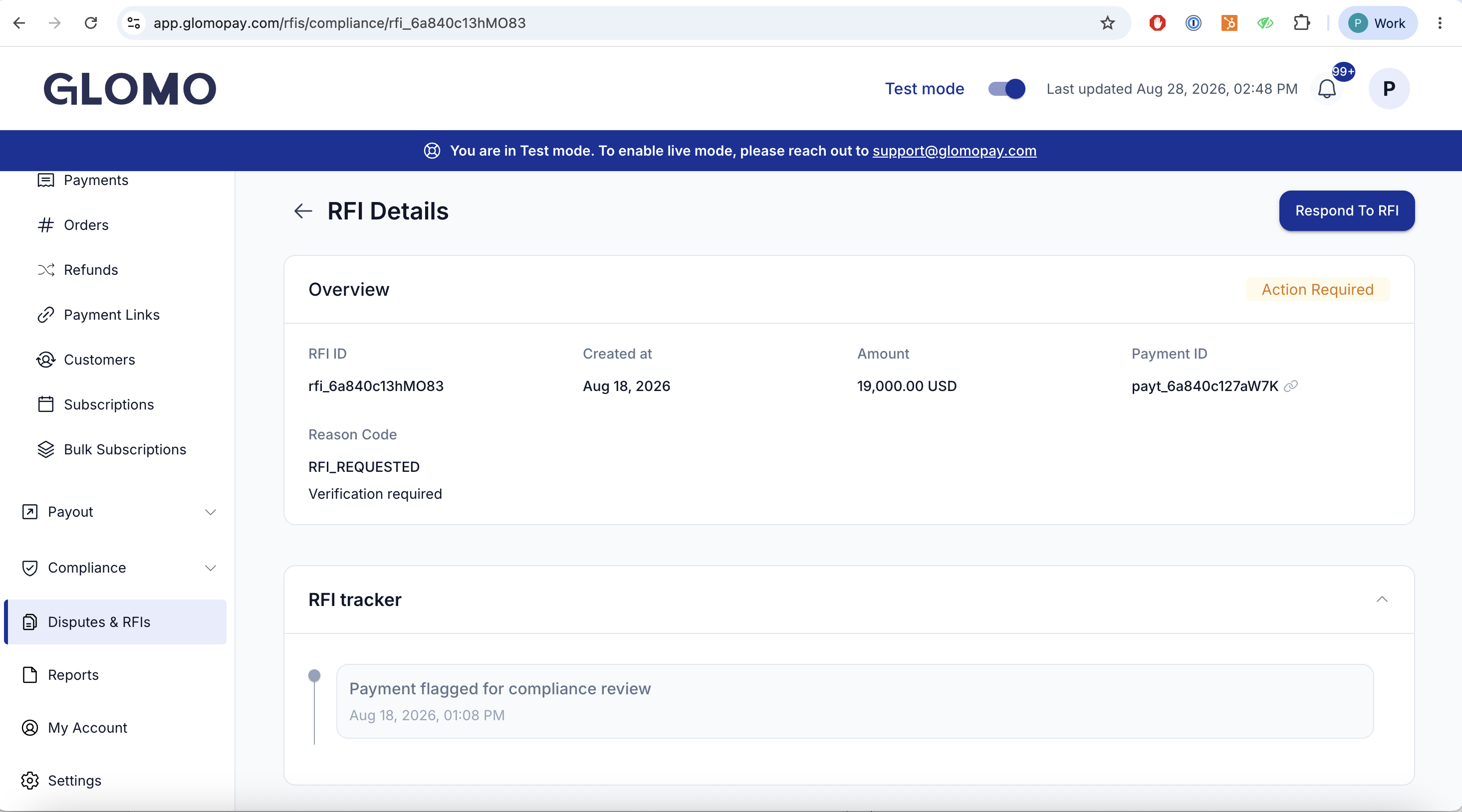
Open the RFI from the RFIs tab, or open the payment and use the upload option there — both lead to the same flow.
Review the documents requested.
Upload the requested document(s) (PDF, JPG, or PNG, up to 10MB each). The status moves to Under Review.
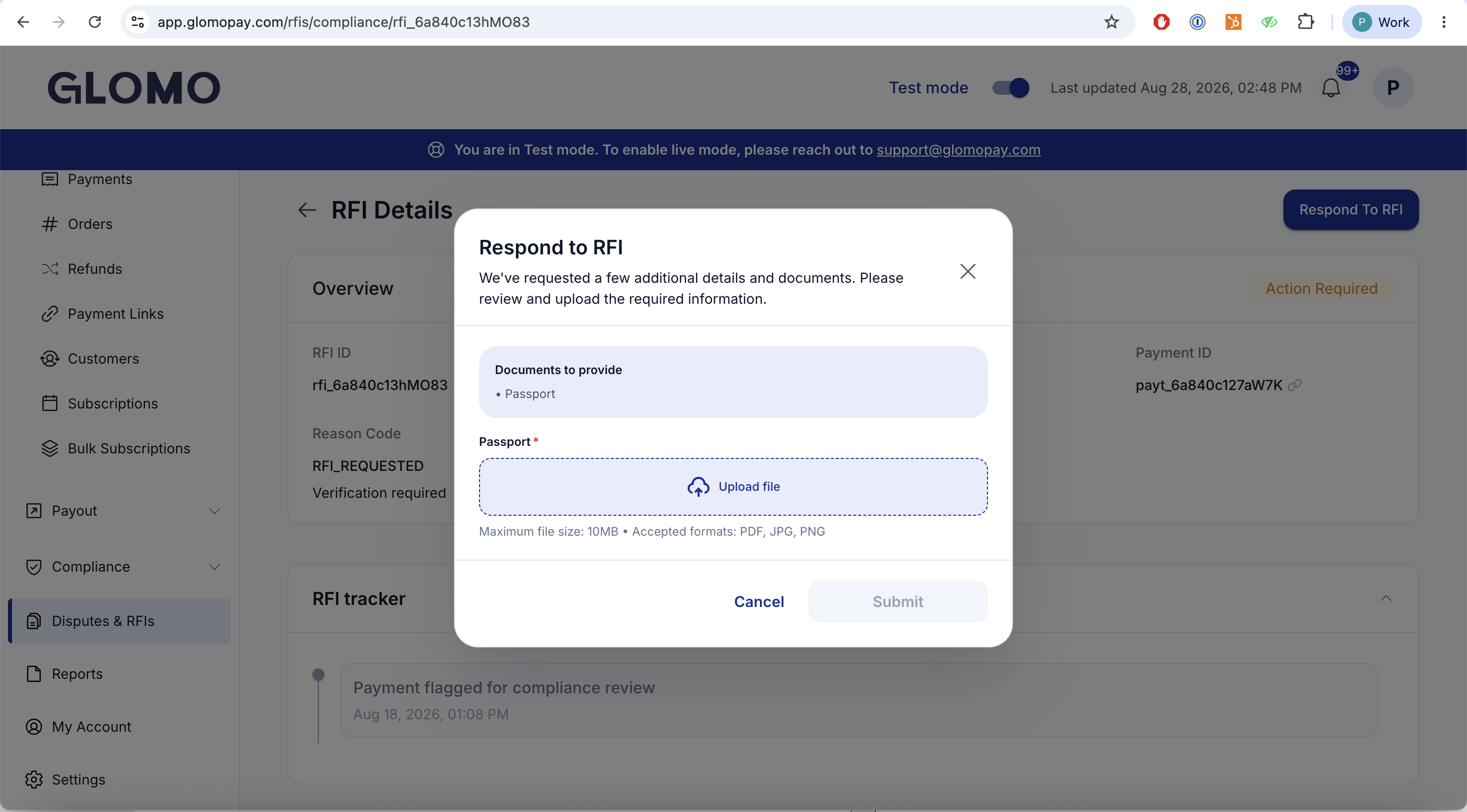
Glomo reviews your submission:
- Approved — the status moves to Cleared and the payment becomes settlement-eligible in the next cycle.
- Document not accepted — the status returns to Action Required with a rejection reason shown on the RFI (and delivered on the RFI webhook), so you can correct and re-submit.
You can also respond programmatically instead of using the dashboard: upload each document with the Create a Document API, then call the Respond to an RFI API with the RFI id and the resulting doc_id(s).
This section applies when your settlements are routed through Glomo.
Only the flagged payment is held. All your other payments settle on their normal schedule. A hold never affects your batch or your other settlements.
You are not penalised for review time. Settlement timing is anchored to the date funds were marked available — not the date the RFI cleared. If your settlement window (T + N) has already elapsed when the RFI clears, the payment settles in the next eligible cycle, typically the next day.
On Cleared, the settlement is scheduled.
Compliance status changes are delivered on a dedicated RFI webhook, separate from payment status notifications, so you can consume them programmatically:
- Fired on every compliance status change (Action Required, Under Review, Cleared, Expired, Rejected).
- Carries the rejection reason when an uploaded document is not accepted.
- Where settlement is routed to a different counterparty than the entity responding to the RFI, the on-hold status is reflected to both parties.
- If you have integrated the order-level RFI API, you will be given a migration window to move to the payment-level RFI webhook before the switchover. Details will be shared ahead of go-live.
You are notified immediately by email when a payment is flagged, alongside the RFI webhook and the dashboard entry.
While payments remain in Action Required, you receive a consolidated reminder email every alternate day listing every payment still pending action, with a direct link to each RFI.
Each email states what happens if you do not respond before the response window closes.
If the requested documents are not submitted before the Response Deadline, the payment moves to Expired and can no longer proceed to settlement. Respond as early as possible — document review begins as soon as you upload.
You can reproduce a flagged payment end-to-end in sandbox using a reserved test amount. Create a payment for exactly 6623 minor units (i.e. 6623 in the smallest unit of any currency, such as $66.23 or €66.23) and it is forced into a sanctions-screening hit:
- The payment still completes with
status: success. - Its
compliance_statusis set toaction_requiredand a payment-screening RFI is raised against it. - Settlement is held until the RFI is resolved, exactly as in production.
This works for any payment method and whether or not a customer is attached, so it also covers push (bank transfer) payments that have no customer. Any other amount screens normally and clears.
You can trigger this against the Create a mock payment endpoint by passing amount: 6623. The reserved amount only takes effect in sandbox — in production the same amount is screened for real and is not treated specially.