You can upload the requested documents directly from the Merchant Dashboard.
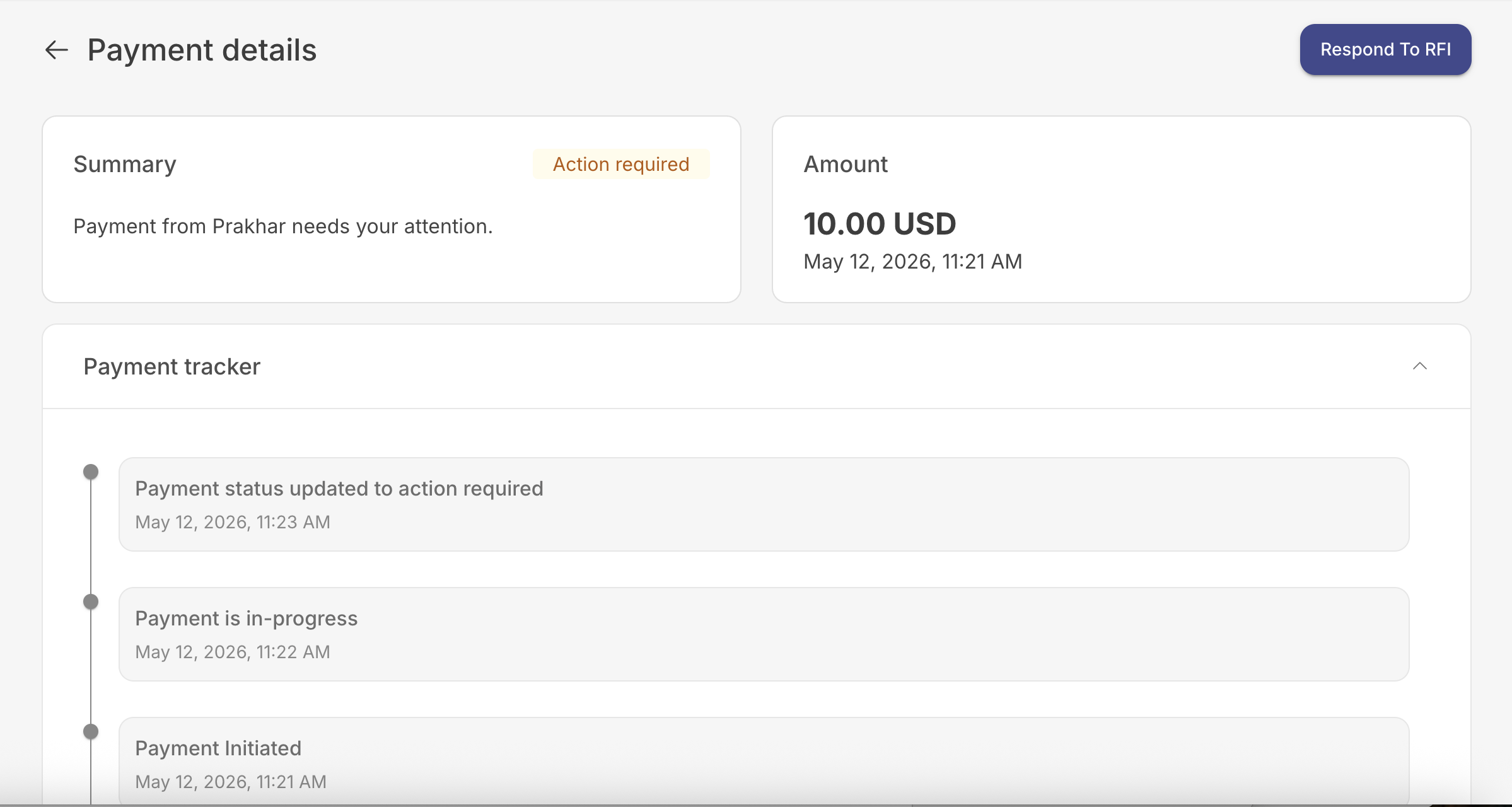
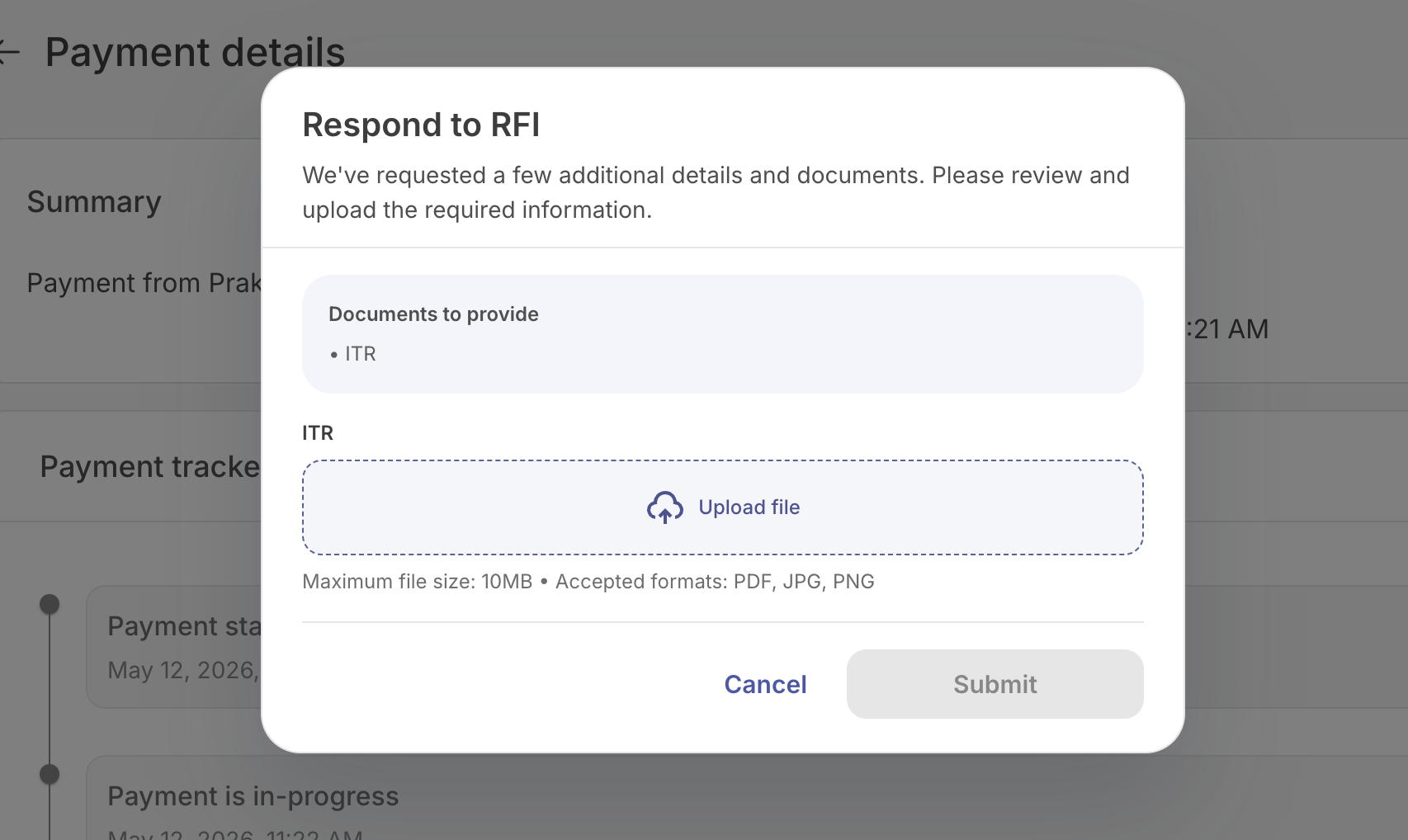
If you want to submit RFI documents through your backend, you can upload them using Glomopay's Respond to an RFI API.
During Create Payment, Glomopay runs risk checks as mentioned earlier.
If additional verification is required, the Create API returns:
- status:
action_required
What you get in the Create response
Along with the payment_id, you'll receive:
rfi_documents- a list of required documents, each containing:rfi_document_idrequired_document_type(e.g., passport)
Important: Each rfi_document_id represents one specific required document. You must upload documents against the same IDs.
What happens after you upload
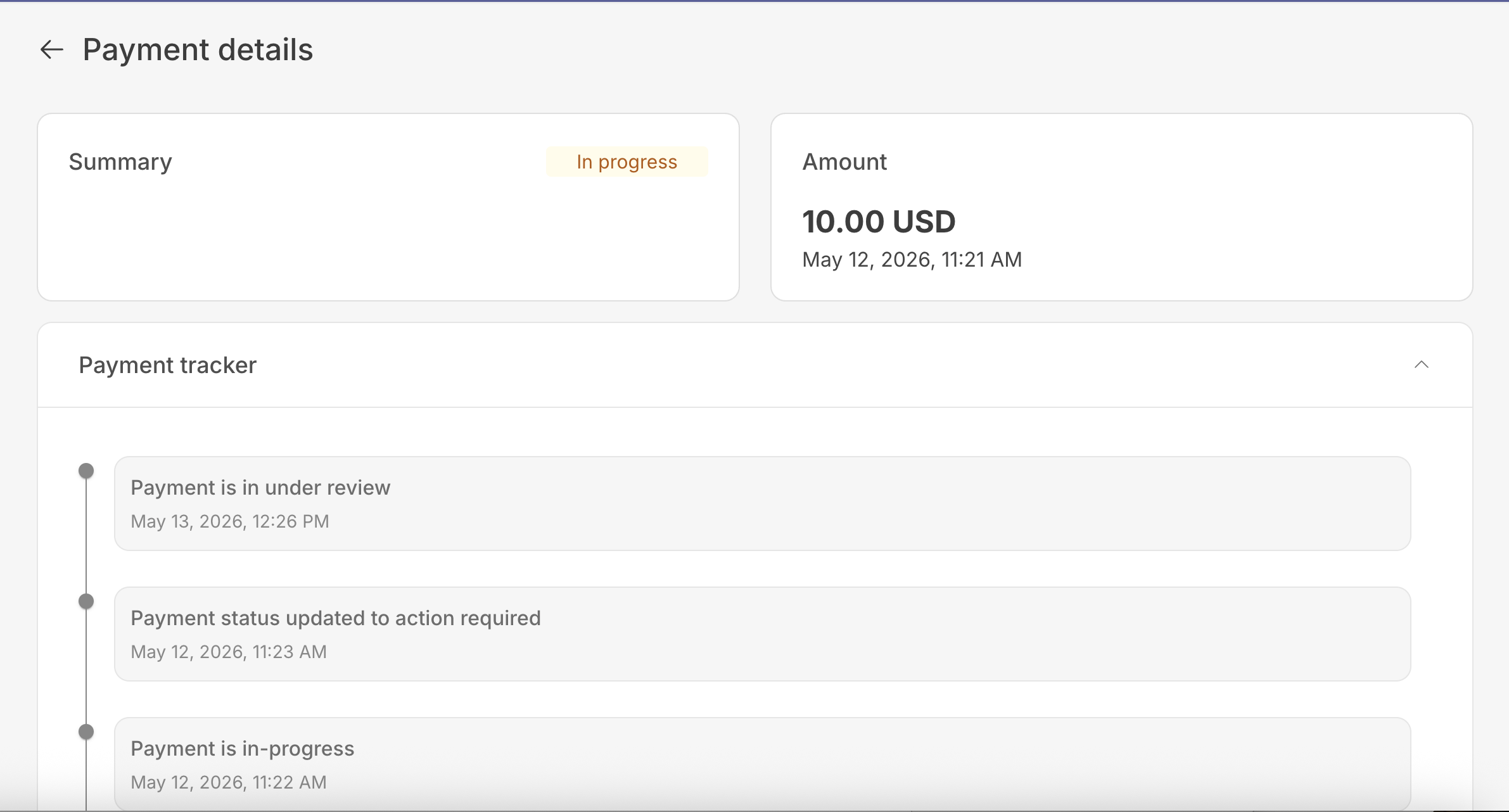
Once all required documents are uploaded successfully:
- Status changes to
under_review - Glomopay reviews the submission
- Status updates are sent via callback/webhook
- If approved, status becomes active
- The Create Payment API returns
action_requiredalong with:- The payment ID
- One or more RFI document IDs with their required document types
- Upload the required documents using the Create a Document API.
- Call the Respond to an RFI API by supplying:
- The RFI
idfrom the payment'srfiobject (returned in step 1) - For each document, the
rfi_doc_idreturned from step 1 and thedoc_idreturned from step 2
- The RFI
- After successfully uploading the documents, the Glomopay compliance team will review the documents and any status update will be communicated via a callback.